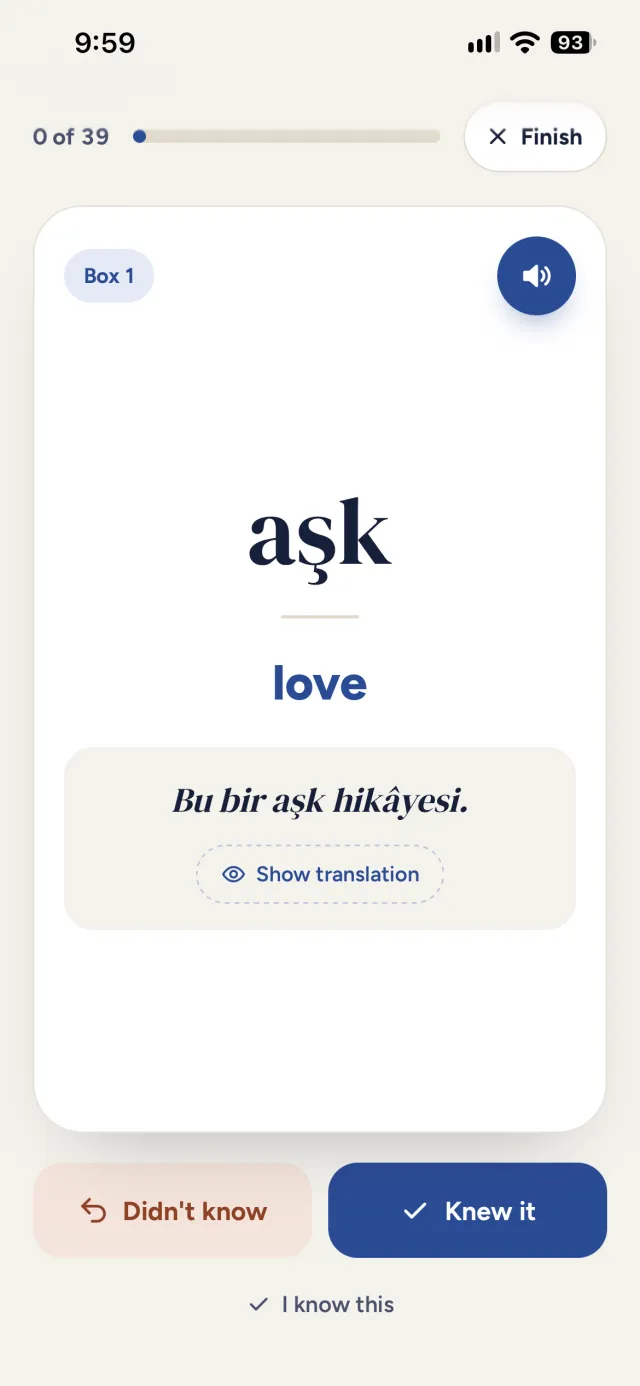
Words and examples
Every word with its meaning, a real sentence and pronunciation; translate the sentence with one tap.

 Türkçe Yanımda
Learn course and everyday words with examples, review them in a Leitner box and read grammar in your own language.
A few minutes a day is enough.
Words for your level, or topics like shopping and getting around.
See and hear the meaning, a sentence and the pronunciation.
Lesson by lesson, with simple explanations and examples you can listen to.
Do today’s reviews in your Leitner box.
Every word with its meaning, a real sentence and pronunciation; translate the sentence with one tap.
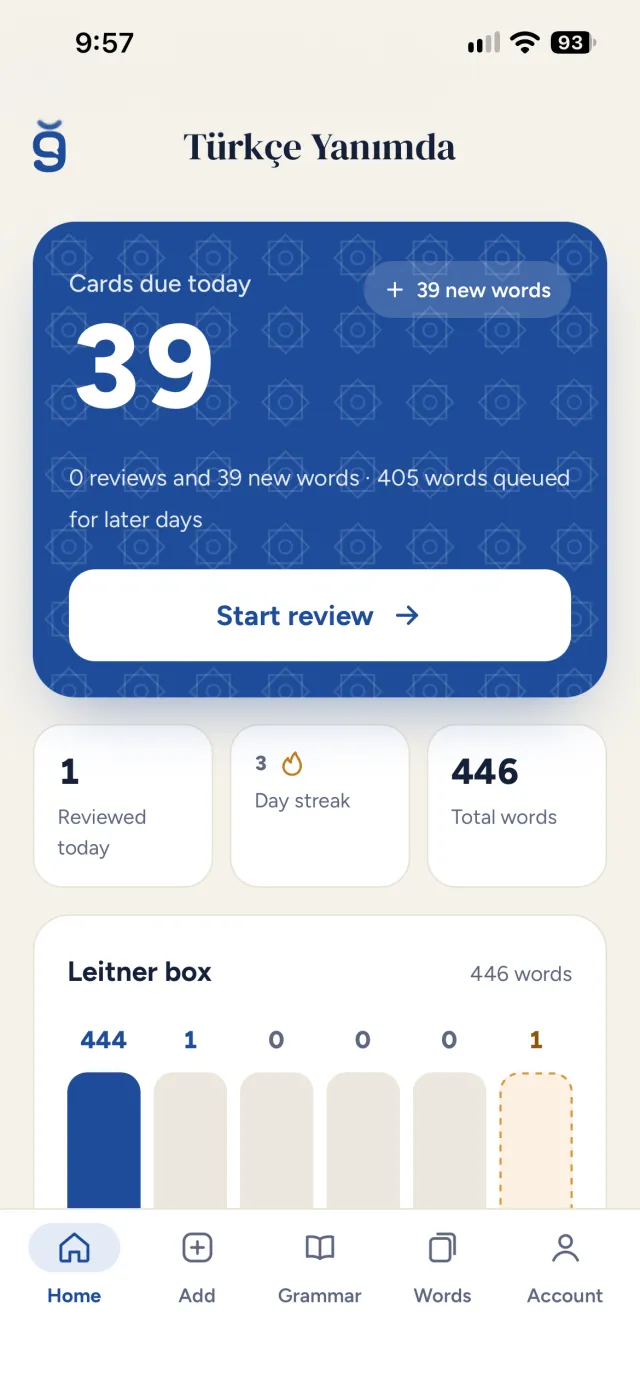
Each word you know moves up a box; every day you only see the ones that are due.
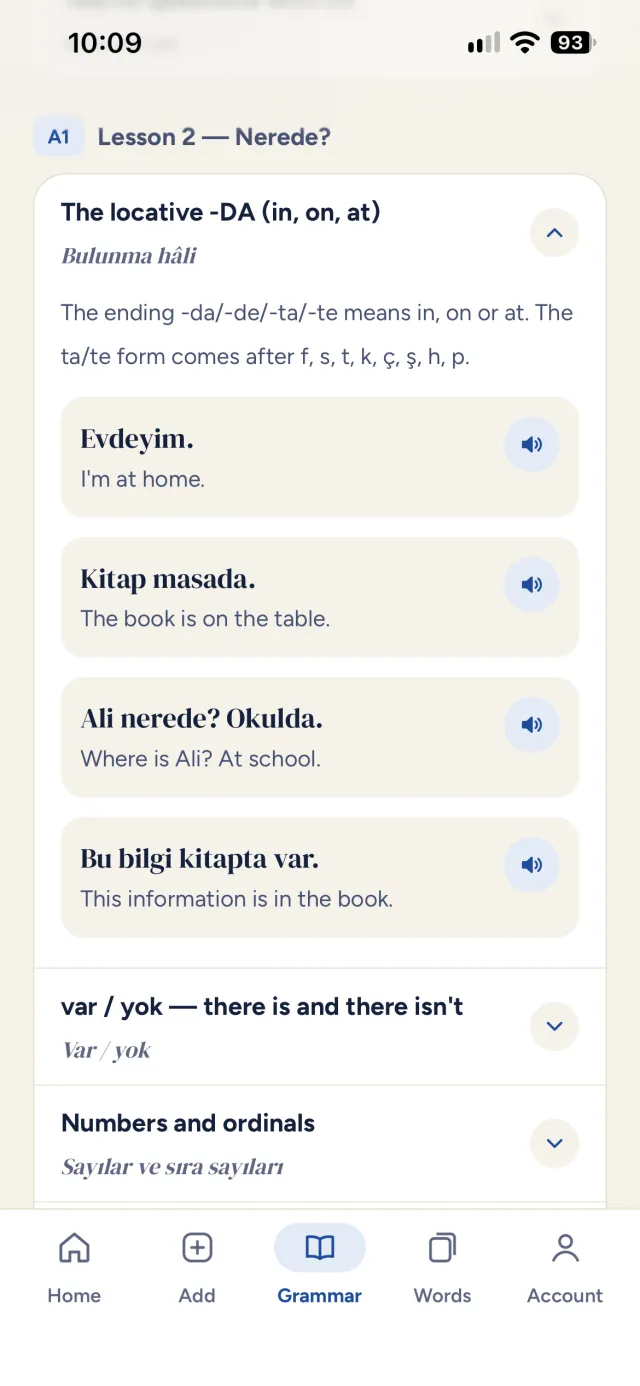
Lesson by lesson, in plain English, with examples you can listen to.
Think of the meaning first, then flip the card. That is how you review in the app every day.
Continue in the appYes. Signing up and using the app are free.
A1, A2 and B1 words and grammar, lesson by lesson, plus topic lists such as everyday phrases and greetings, shopping and the market, and getting around town. You can add your own words too.
The app is in Persian, English and Russian, and you can switch any time in the account section.
iPhone: open the app in Safari, tap the Share button and choose “Add to Home Screen”. Android: in Chrome, open the three-dot menu and tap “Add to Home screen” or “Install app”.
Yes. Your reviews are saved on your phone and sync with your account when you are back online.